Upload Data from .CSV File
It is preferable to avoid special characters (asterisks, hashtags, etc.) because they can generate problems in analysis.
In the “Input type” box, select the CSV option:
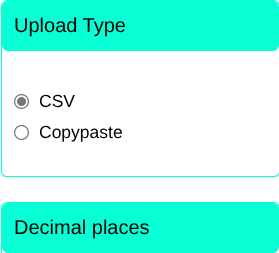
By selecting the CSV option, we can upload a .CSV file to the dataset.
click on the look for button and the folder on your computer will open automatically:
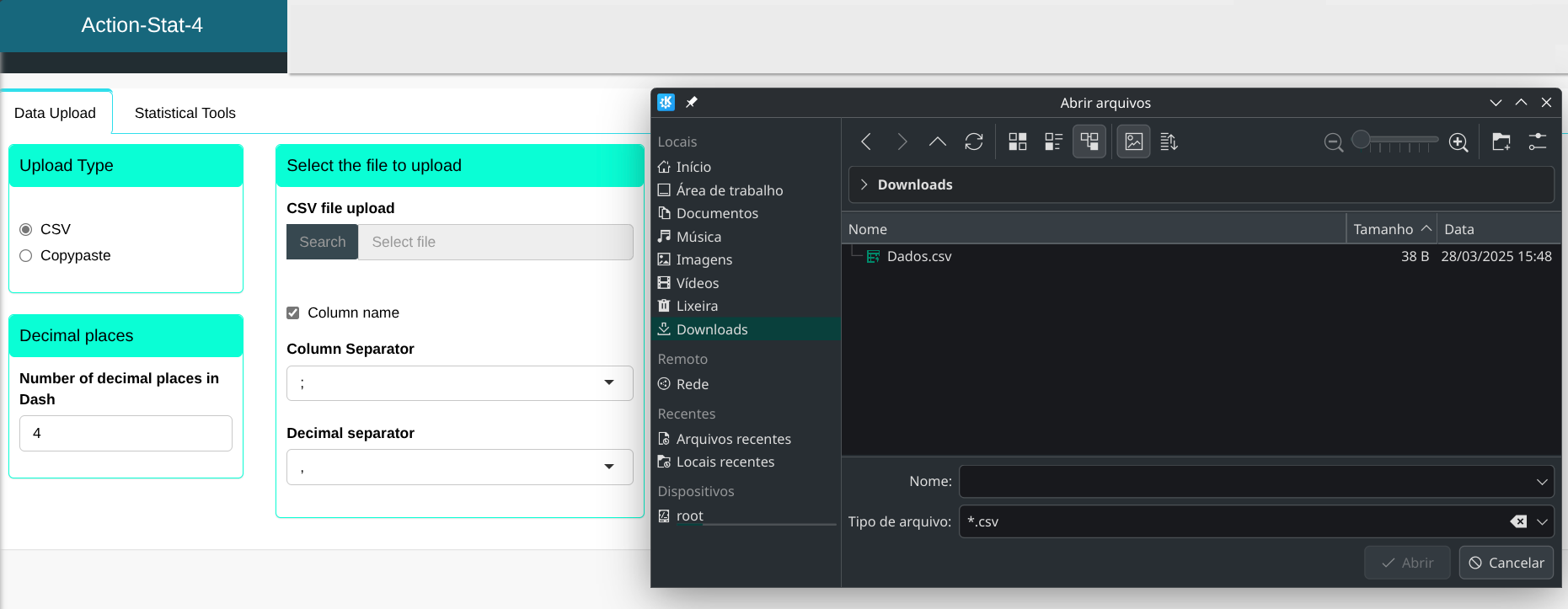
Select Data.csv and the CSV file will open.
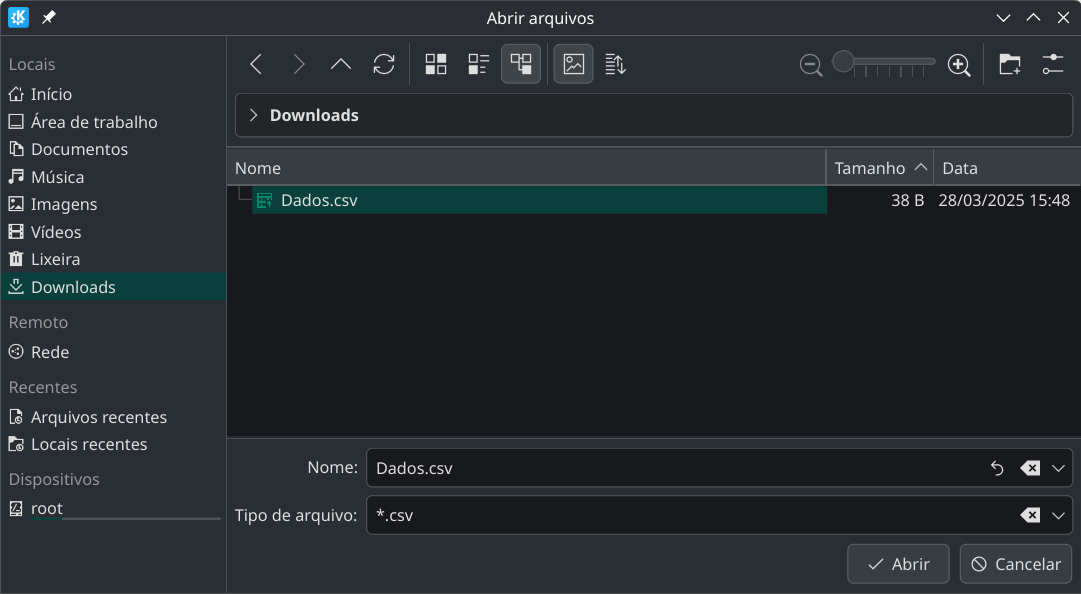
When the upload is complete, the data appears in the system.
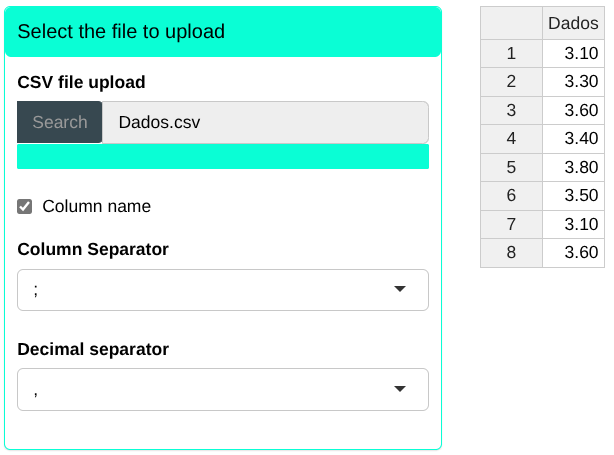
You must select the character that separates the columns (slash, comma or semicolon) and the character that separates the decimal places (comma, period or semicolon). Furthermore, if the columns contain a name, we will select the “Column name” box.
It is worth mentioning that the character selected as a column separator has to be the same as separating the columns in the dataset (in the case of example, semicolon), and the same goes for the selected character as a decimal separator (if different is selected, the system will not will understand the data as numerical and will give an error in the analysis).
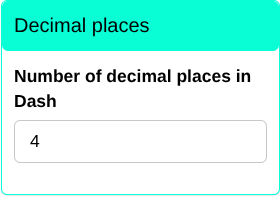
In the “Decimal Approximation” box, you can set the number of decimal places and click Save to view the results in the dashboard.